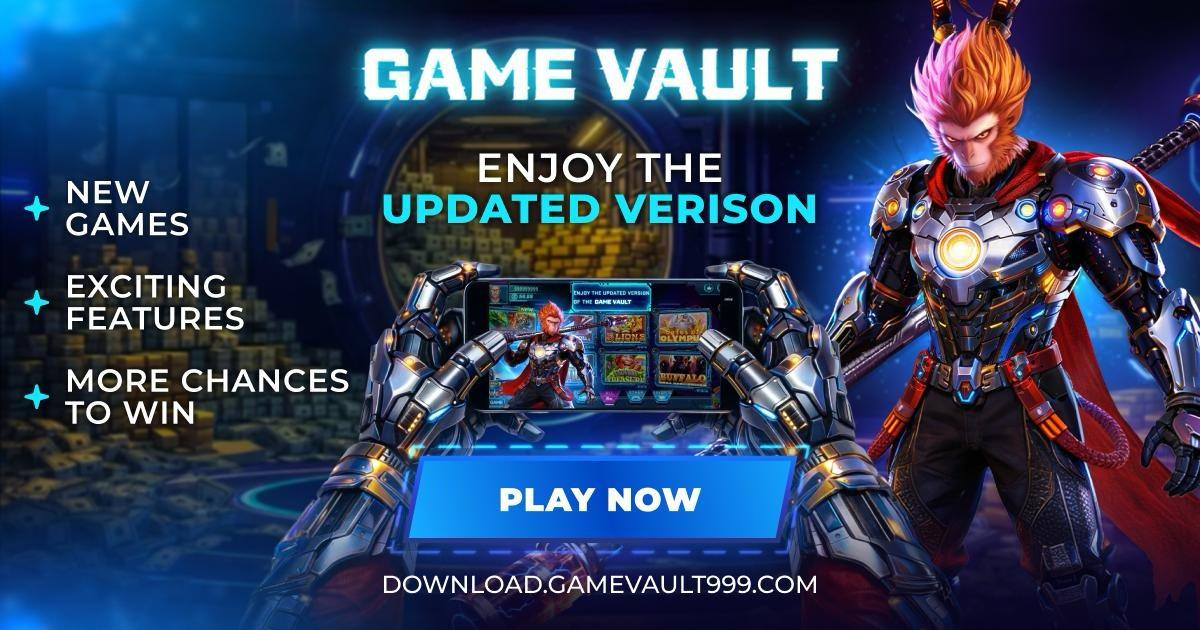
Play Smarter. Play Faster. Play GameVault.

The all-in-one mobile gaming experience with smooth performance, exciting gameplay, and instant access anytime, anywhere.

• Ultra-smooth gameplay experience
• Fast loading & seamless performance
• Mobile-optimized interface
• Designed for nonstop entertainment


Play Gamevault Games

Vampire's Fate Game Vault artwork
Irish Potluck Game Vault artwork
Sahara Riches Cash Collect Game Vault artwork
Vampire's Fate horizontal Game Vault artwork
Game Vault new games promo artwork
Game Vault updated version promo artwork
Game Vault unlock new games artwork
Game Vault main play now artwork

Why Game Vault

🎰

Huge Game Library

Access to a large collection of slot games, fish tables, keno, and instant win titles.

🛡️

Verified Source

Secure installation from an official verified source.

🔄

Regular Updates

Regular updates with new games and performance improvements.

Fast & Smooth

Optimized gameplay with fast loading and smooth controls.

Get Started

📲

Play Now

Continue to GameSweeps to play and explore the full game lineup.

Play Now
🔑

Download Now

Download the latest GameVault app for Android or iPhone.

⬇ Download Now

Rewards & Bonuses

Play More. Earn More.

Enjoy daily drops, event rewards, and VIP perks designed to keep the fun going every day.

Daily Rewards
Weekly Boosts
Special Events
VIP Perks
🎁
Daily Drops
Log in daily to collect bonus credits and streak rewards.
🔥
Event Prizes
Limited‑time events with big prizes and multipliers.
👑
VIP Benefits
Level up to unlock premium bonuses and faster rewards.
🎉
New Game Bonuses
Extra rewards when new titles and features drop.
Tip: Check in daily and play featured games for the biggest rewards.

How to Download & Install

1

Download the APK

Tap Download Game Vault Now to get the latest APK

Always download from the verified website to ensure you receive the authentic application.

2

Locate the File

Once the download finishes, open your device's Downloads folder and tap the file (usually named gamevault.apk).

3

Enable Unknown Sources (If Prompted)

If you see an "Installation Blocked" message:

  • Open Settings
  • Go to Security or Privacy
  • Select Install Unknown Apps or Unknown Sources
  • Allow permission for your app installer or file manager
This is a standard Android security feature for apps installed outside the Google Play Store.

4

Complete Installation

Return to the APK file and tap it again. Follow the on-screen prompts to complete installation — this typically takes less than one minute.

5

Launch the App

Find the Game Vault icon on your home screen or app drawer. Open the app, allow any required permissions, and begin playing!

1

Download

Tap the Download button to begin the installation process on your iPhone or iPad.

2

Open Settings

After the download completes, open Settings on your iPhone.

3

Navigate to Device Management

Navigate to: General → Device Management (or Profiles & Device Management).
Locate the Game Vault profile and tap Trust.

4

Confirm Trust

Confirm when prompted to trust the developer profile. This authorizes the app to run on your device.

5

Launch Game Vault

Return to your home screen and open the app. The application is now ready to use. Enjoy!

Ready to Play?

Game Vault is a mobile social casino application available on both Android and iOS devices. The installation process is quick and simple — follow the steps above and you'll be ready to play within minutes.

Start Here